You open a stationery shop intending to choose one small paper item and leave with twelve browser tabs, several attractive possibilities, and no clear answer. The problem is not a lack of taste; it is that a browse mixes different purposes, sizes, and formats in one stream. Farouk Book Store can be easier to browse when you move promising finds onto paper first. A handwritten wishlist lets you compare what an item is for, where you found it, and whether it still earns a place after the initial excitement fades.
This is not a claim that the website has a built-in wishlist. Instead, it is an offline method for making a short, usable record while you explore. The goal is a final list of two or three candidates, not a paper version of an endless cart.
Start with a purpose, not a product name
At the top of a sheet, write one sentence answering: “What job should this purchase do?” Keep it specific enough to reject near-misses. “Something cute” is a mood, not a decision rule. “A small adhesive note for marking pages” or “a loose-sheet pad for longer messages” gives you a useful filter.
Next, make three columns or three labeled areas: purpose, format, and decision. Under purpose, note the actual moment of use: a reading reminder, a short gift message, a study checklist, or a portable list. Under format, record whether the candidate is sticky or non-adhesive, approximate dimensions, sheet count when provided, and whether it is a pad or a single item. Leave decision blank until you have compared at least two options.
This small structure prevents a common failure: selecting by artwork before noticing that the format does not fit the task. A decorative square sticky note may be ideal for a page marker but frustrating for a paragraph. A larger tear-off pad may hold more writing yet be awkward to carry. Neither is universally better; each belongs to a different purpose.
Use a second line for a “not needed” boundary. If you are shopping for a reading list, write “no large desk pad” or “no adhesive required.” Boundaries are especially helpful when several designs share a visual mood. They keep the wishlist from becoming a collection of everything that looks pleasant.
Record enough detail to find the item again
A wishlist is only useful if you can return to a candidate without guessing. For each serious option, copy the exact product name, the product URL, and the SKU if the listing shows one. If no SKU is displayed, do not invent one; write “SKU not shown” and keep the URL. Add the date you noted it so a later revisit has context. A quick notation might look like this:
- Product: exact listing title
- URL: copied product link
- SKU: shown / not shown
- Format: sticky or non-adhesive; size; sheet count
- Purpose: one intended use
- Question: one detail to verify before ordering
For example, Dreamy Thoughts Cute Aesthetic Sticky Notes are described as a 3 in x 3 in pad with 50 sheets and adhesive backing. That makes them a plausible candidate for short reminders, a small planning accent, or a page marker. On the wishlist, record those facts rather than the broader conclusion that they are “good for everything.” A narrow description makes later comparison honest.
If the distinction between formats matters, write it in capital letters. Purple Gradient Clouds Aesthetic Message Memo Notepad is described as a 4 in x 6 in, 50-sheet pad whose pages are not adhesive. That is a meaningful difference from a sticky note: it may suit a longer message or a loose list, but it will not attach to a page by itself. Capture the distinction before the visual design persuades you otherwise. You can also browse the broader notepads collection when you need more formats to compare.
When a listing includes a caveat, copy a short reminder beside it. Possible notes include “colors may vary from screen” or “check top pages for small handmade imperfections,” when those details appear in the product description. This is not a criticism; it is a practical way to set expectations. The brand is presenting an editorial selection of catalog goods, so your sheet should preserve what the listing actually says rather than turning a product impression into a universal promise.
Build a shortlist with a simple comparison test
Once you have five or six candidates, stop adding. Give each one a three-part test: fit, friction, and distinctiveness.
Fit asks whether the format matches the job. For a compact checklist, Straight-a-student Check List Cute Aesthetic Sticky Notes have a checklist-style layout, 3 in x 3 in sheets, 50 sheets in a pad, and adhesive backing according to the listing. If your use is to mark small study tasks or reminders on a notebook, those details are relevant. If you need room for several sentences, the same candidate may fail the fit test even if you love the design.
Friction asks what might make the item inconvenient in your actual routine. Will a loose page disappear in a book? Will an adhesive note be too small for the message? Will a pad stay on your desk rather than travel with you? Write one likely obstacle, then an adjustment. “Small writing area → reserve for one-line reminders” is more useful than “maybe too small.” “Non-adhesive → keep a clip or envelope nearby” turns a limitation into a clear condition.
Distinctiveness asks whether this candidate adds a genuinely different use to your shortlist. Three visually different pads that all serve the same tiny reminder function may be less useful than one compact sticky note and one larger loose-sheet memo pad. A shortlist should contain alternatives, not just variations of the same impulse.
Try a scoring mark rather than an elaborate system: add one point for clear purpose, one for format fit, and one for easy retrieval. If a candidate needs an unanswered question, circle it instead of awarding the point. The winner is not the item with the prettiest listing; it is the one that survives the practical test with the fewest assumptions.
Pause, verify, and make the final two-or-three-item list
Put the sheet aside for a short pause—overnight if the purchase is non-urgent. When you return, cross out anything whose purpose you can no longer name in one sentence. Then check the original product pages again. Confirm the title, relative URL, format, dimensions, and sheet count from the current listing. Do not rely on memory, an old screenshot, or a search result snippet.
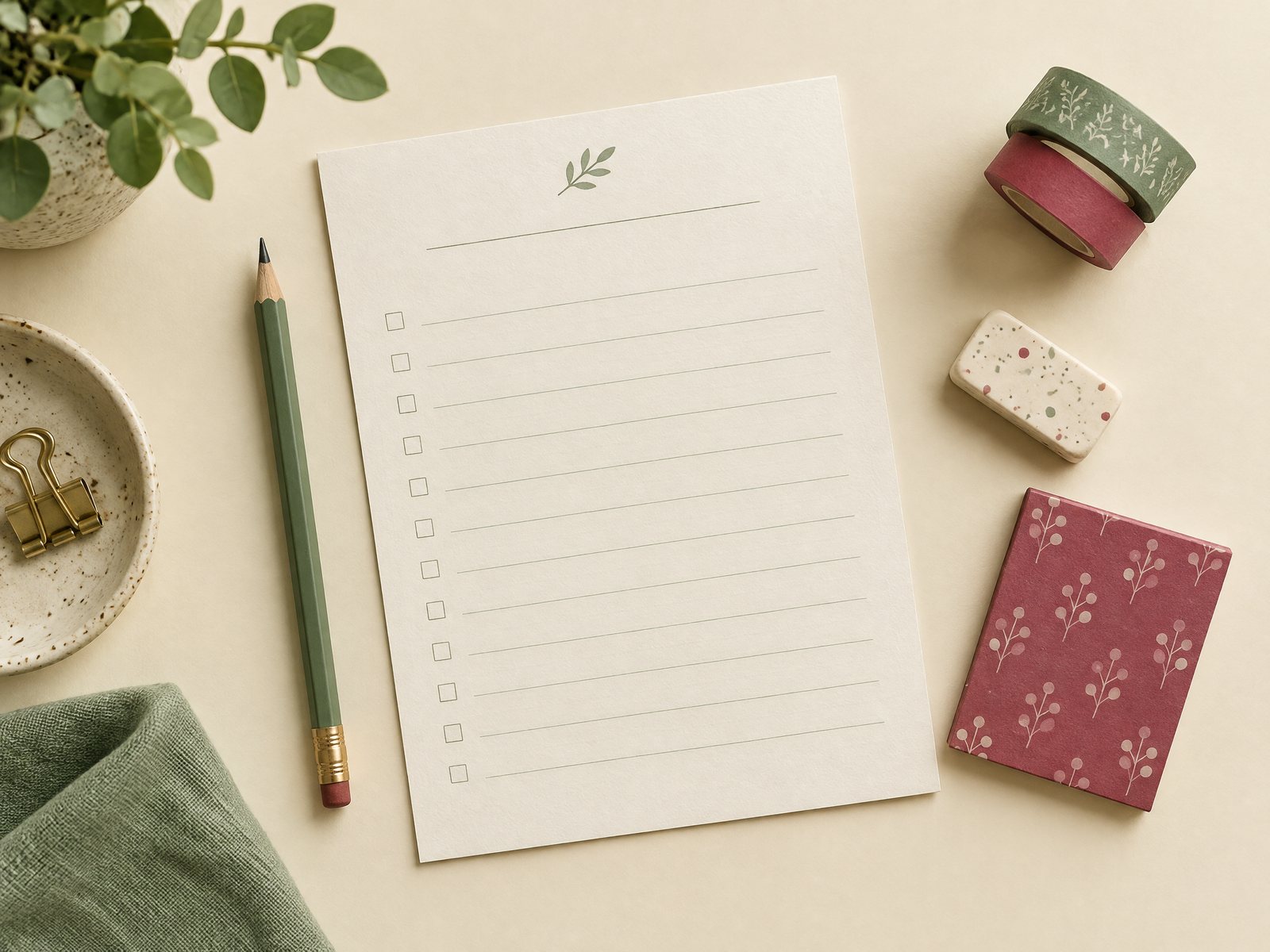
A useful final sheet has three sections: keep, maybe, and why not. Keep only two or three items. Move one candidate to maybe if you like it but cannot identify a specific use. Move another to why not if its format conflicts with the task. This is not a judgment on the product; it is a record of fit for this particular purchase.
Consider a mixed shortlist when the purposes are genuinely different. For example, the 3 in x 3 in adhesive Blooming Records Sticky Notes can represent a small reminder or bookmark use, while a non-adhesive memo pad can represent a message that needs more writing room. If you choose both, write the reason each exists. “One for attaching; one for handing over” is clearer than “both looked good.”
Before ordering, note any remaining practical question—availability, current price, taxes, shipping, or another detail not confirmed by the listing. The site’s bag prepares an email order request rather than functioning as a payment checkout, so the wishlist should not imply that inventory, taxes, or shipping are already guaranteed. Keep your note factual: “confirm with order request” is enough. For contact details or a direct question, use the store’s contact page; for general context, see about Farouk Book Store.
Finally, give the sheet a stopping rule: once one item clearly matches the purpose and one alternative covers a different use, stop browsing. Save the product URLs and any listed SKUs with the paper record. If you return later, you can reconsider the decision without recreating the entire search. That is the value of an offline wishlist: it turns fleeting browsing into a small, legible decision you can revisit on purpose.
Related reading: Continue with How to Use Sticky Notes for Weekly Planning, Notepad vs Notebook: Choosing a Useful Everyday Format, and How to Make a Daily To-Do List Without Overplanning.